How to Catalog Your DVD and Blu-ray Collection (Step-by-Step Guide)
Scan barcodes in batches, record the edition you own, give every disc a shelf address and keep one source of truth. Here's the whole system, step by step.
On this pageWhy catalog a physical movie collection at all?
- Why catalog a physical movie collection at all?
- Step 1: Decide what one entry means
- Step 2: Choose a tool, then make it the only list
- Step 3: Scan barcodes in batches
- Step 4: Record the details collectors care about
- Step 5: Give every disc a shelf address
- Step 6: Choose a shelving order you can maintain
- Step 7: Handle box sets, multi-disc releases and digital codes
- Step 8: Keep the catalog current
- How long does it take to catalog a collection?
- Frequently asked questions
- Start with one shelf tonight
If you own more than a couple of shelves of discs, you have probably done at least one of these: bought a film you already had, lent out a Blu-ray and forgotten who has it, or spent ten minutes hunting for a case you were sure was "right here." A catalog fixes all three. It also makes your collection more fun to browse, because you start seeing it as a library instead of a wall.
This guide walks through a system that works for 50 discs or 5,000: what to record, how to capture it quickly, and how to keep it accurate as the collection grows.
The short version
- Decide what one entry means: the film, the disc, or the exact edition you own.
- Pick one tool and make it the only source of truth.
- Scan barcodes shelf by shelf, in batches of about ten.
- Record the collector details: format, region, edition, audio and condition.
- Give every disc a shelf address, like Living room · Shelf B · Slot 14.
- Choose a shelving order you can keep up with.
- Add new discs the day they arrive, and keep a wishlist for what you're hunting.
#Why catalog a physical movie collection at all?
A catalog earns its keep in four everyday moments:
In the store
Check whether you already own a film, and which edition, before you buy it again.
On movie night
Browsing covers on your phone surfaces films you forgot you owned.
When you lend something
A note on the entry is all it takes to remember who borrowed it.
For insurance
A list of titles, formats and purchase prices is far easier to hand over than a room full of cases.
There's also a quieter benefit. Collectors care about details that streaming services erase: the steelbook, the Criterion spine number, the Dolby Atmos track, the slipcover you kept.
A catalog is where the details streaming erases get to live.
#Step 1: Decide what one entry means
Before you scan anything, decide what a single record represents. Getting this right up front saves a painful cleanup later.
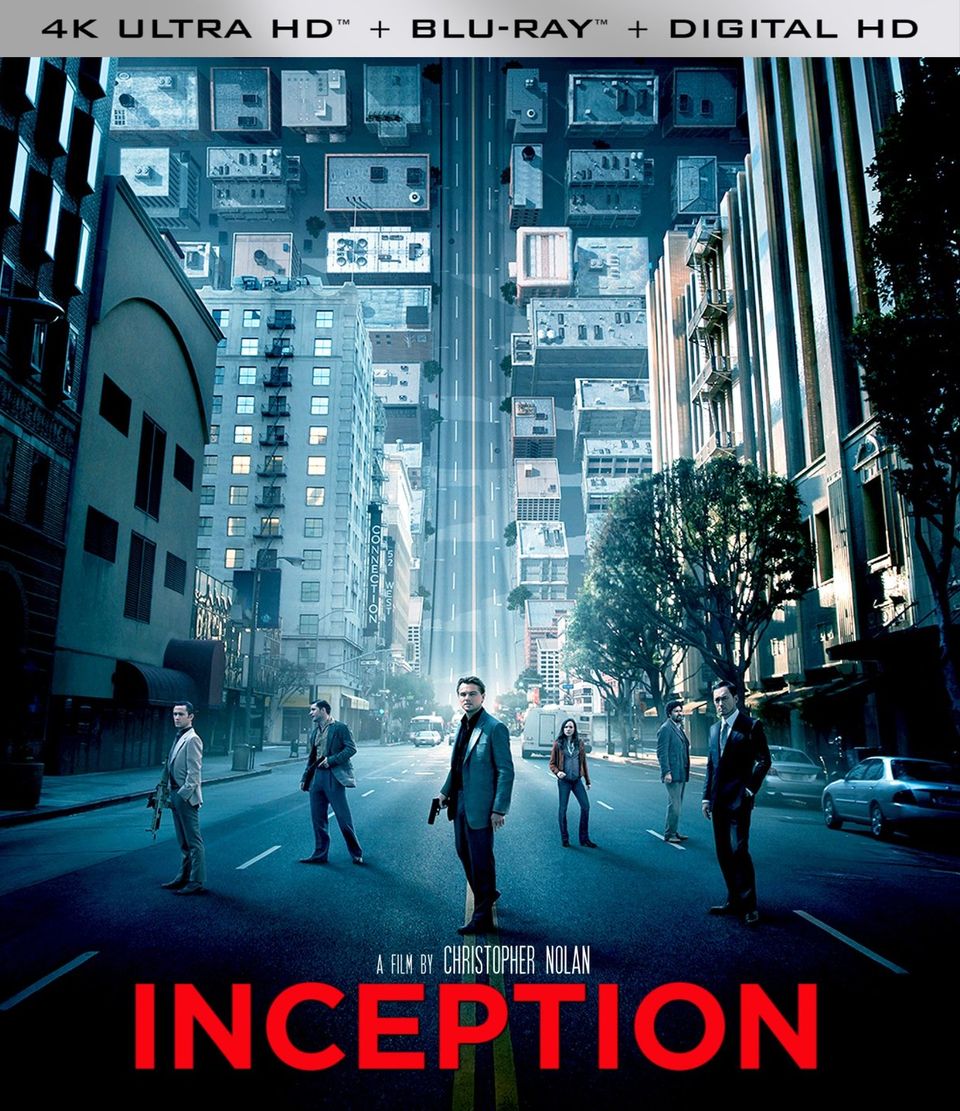
- One entry per film is simplest, but it can't tell your 2010 Blu-ray of Inception apart from the 4K UHD you upgraded to.
- One entry per edition is what most collectors end up wanting. Two copies of the same film in different formats become two entries, each with its own format, region and shelf spot.
- Box sets need a rule too. A good approach is one entry for the set, with each film inside it listed as well, so searching for any title still finds it.
#Step 2: Choose a tool, then make it the only list
There are really two options: a spreadsheet or a dedicated collection app.
| Spreadsheet | Collection app | |
|---|---|---|
| Adding a disc | Type title, year and details by hand | Scan the barcode, details fill in |
| Covers | None, or pasted in manually | Pulled in automatically |
| In the store | Awkward on a phone | Built for search on a phone |
| Duplicates | You have to spot them yourself | Can warn you before you add one |
| Custom fields | Unlimited columns | Depends on the app |
| Cost | Free | Often free to start, paid for big collections |
Spreadsheets are flexible and fine for a small, stable collection. Once you're past a hundred discs, or you shop for discs in person, an app that scans barcodes saves hours and gets used far more often.
Whichever you choose, the important rule is one list. A spreadsheet on your laptop and notes on your phone will drift apart within a month.
#Step 3: Scan barcodes in batches
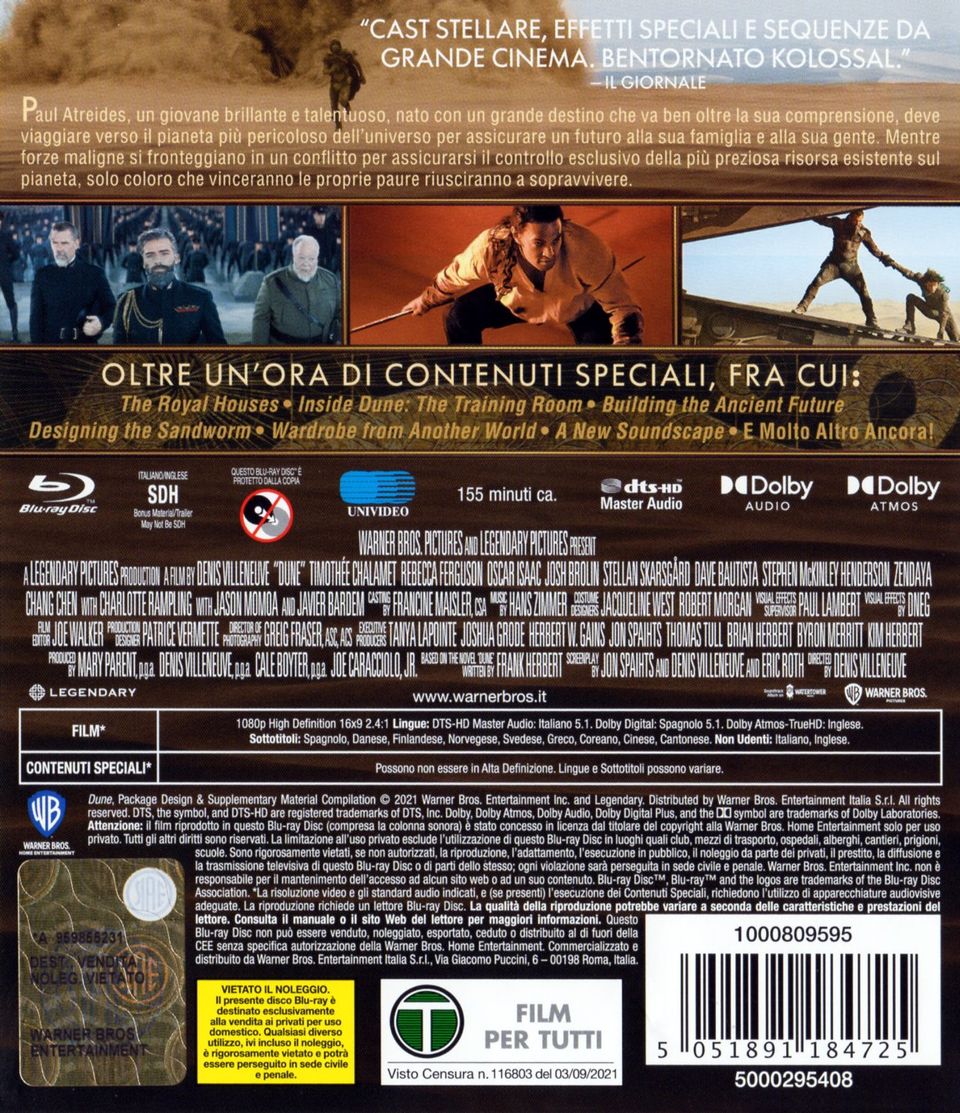
Barcodes are the secret to cataloging quickly. The number on the back of a case identifies that specific release, not just the film. It's usually a 12-digit UPC in North America and a 13-digit EAN in most other markets. That's exactly what you want if you're tracking editions: the steelbook and the standard Blu-ray have different barcodes.
A rhythm that works:
- 01
Work one shelf at a time
Pull roughly ten discs, scan them, and put them back in the same order.
- 02
Scan in good light and tilt glossy cases
Reflections from shrink-wrap and slipcovers are the main cause of misreads.
- 03
Review the matches before importing
Check the year and format on each one. Remasters and re-releases often share a title.
- 04
Type the number when a barcode won't scan
Torn stickers and price tags happen. The digits printed under the bars work just as well.
- 05
Search by title for anything without a barcode
Imports, rentals and some box sets fall into this group.

 +7
+7At around ten to fifteen seconds per disc, a barcode workflow gets a few hundred discs done in an evening. Typing the same details by hand can easily take several minutes per disc.
#Step 4: Record the details collectors care about
The title and year are the minimum. These are the fields that make a catalog genuinely useful:
- Format: DVD, Blu-ray or 4K UHD, plus whether a 4K release includes a Blu-ray or a digital code.
- Edition: standard, steelbook, collector's, anniversary, director's cut, boutique label and spine number.
- Region: DVDs use regions 1 to 6, Blu-rays use A, B and C, and most 4K UHD discs are region-free. Record it for any import.
- Audio and subtitles: Dolby Atmos, DTS:X or DTS-HD Master Audio, and the subtitle languages, which matter a lot for imports.
- Packaging: slipcover, J-card, booklet, poster. These affect value and are easy to forget.
- Condition and purchase info: where you bought it, what you paid, and any scratches.
- Notes: who borrowed it, why you bought it, which disc holds the extras.
You don't need every field on day one. Capture format and edition as you scan, and fill in the rest gradually.
#Step 5: Give every disc a shelf address
This is the step most people skip, and the one that pays off most. A shelf address turns "it's somewhere in the living room" into an exact spot.
Use a simple, consistent pattern: room · shelf · slot. For example:
- Living room · Shelf A · Slot 6
- Hallway · Tower 2 · Row 14
- Bedroom · Box set drawer
Label the shelf edges with small letters or numbers so the system is obvious to everyone in the house.
Then, when you search your catalog, the answer isn't just "you own it." It's "it's on Shelf B, fourteenth from the left."

#Step 6: Choose a shelving order you can maintain
How you arrange the physical shelves is personal, but some systems are much easier to keep up than others.
| Shelving order | Best for | Watch out for |
|---|---|---|
| Alphabetical | Fast finding, easy to maintain | Ignore "The" and "A" for consistency |
| Format, then A to Z | Mixed DVD, Blu-ray and 4K shelves | Different case heights look neater grouped |
| Genre | Browsing by mood | Every new disc needs a judgment call |
| Director or franchise | Film buffs, series collectors | Co-directed films and spin-offs |
| Label and spine number | Criterion, Arrow and other boutique labels | Only works for numbered lines |
- One correct spot for every new disc
- Anyone in the house can find things
- Easy to audit shelf by shelf
- Great for browsing by mood
- Looks curated on display
- Every new disc needs a judgment call
A good default is format first, then alphabetical, with box sets on their own shelf. Once you've recorded shelf locations, the order matters less, because search will always tell you where something lives.
#Step 7: Handle box sets, multi-disc releases and digital codes
These are the entries that usually trip people up:
- Box sets: store the set as one package and list each film inside it. Give the set one shelf address.
- Multi-disc releases: note what's on each disc, such as "Disc 2: special features."
- 4K combo packs: record that a Blu-ray is included. It's useful if you ever give the 1080p disc to a friend.
- Digital codes: note whether the code was redeemed, and on which service.
#Step 8: Keep the catalog current
A catalog is only useful if it stays accurate. Three habits keep it that way. Tick them off as you set them up:
 4K
4K 4KBDBD
 BD
BD DVDDVD
 DVD
DVD DVD
DVD#How long does it take to catalog a collection?
Roughly, with barcode scanning:
The best trick for a big collection is to start with the shelf you browse most. Even a partial catalog is immediately useful, and the momentum carries you through the rest.
#Frequently asked questions
What is the fastest way to catalog a DVD collection?
Scan the barcodes with a phone app. A barcode identifies the exact release, so the app can fill in the title, year, format and cover for you. Work shelf by shelf in batches of about ten, confirm the matches, then import them together. Most people get through a few hundred discs in an evening.
Can I catalog Blu-rays or DVDs that have no barcode?
Yes. Search for the title in your catalog app and pick the correct match, then add the edition details by hand. This also works for box sets, imports and discs whose barcode sticker is torn or covered by a price tag.
Do I need to track region codes?
If you buy imports, yes. DVDs use regions 1 to 6 and Blu-rays use regions A, B and C, so a disc from another market may not play on your player. Most 4K UHD discs are region-free, but it is worth noting the region on any import you own.
Should I organize movies alphabetically or by genre?
Alphabetical within each format is the easiest system to keep up, because there is only one correct spot for every new disc. Genre shelves look great but force a judgment call every time. If you catalog shelf locations, the order matters less, because search tells you exactly where a disc lives.
How do I stop buying movies I already own?
Keep your catalog on your phone and check it in the store, or use an app that warns you when you scan a title you already have. Pair it with a wishlist of the specific editions you are hunting so you can tell a real upgrade from a duplicate.
#Start with one shelf tonight
You don't need a perfect system to start. Pick a shelf, scan ten discs, and give them a shelf address. By the end of the week, you'll know exactly what you own and where it is, and you won't buy the same film twice again.