4K Blu-ray vs Blu-ray: Is the Upgrade Worth It?
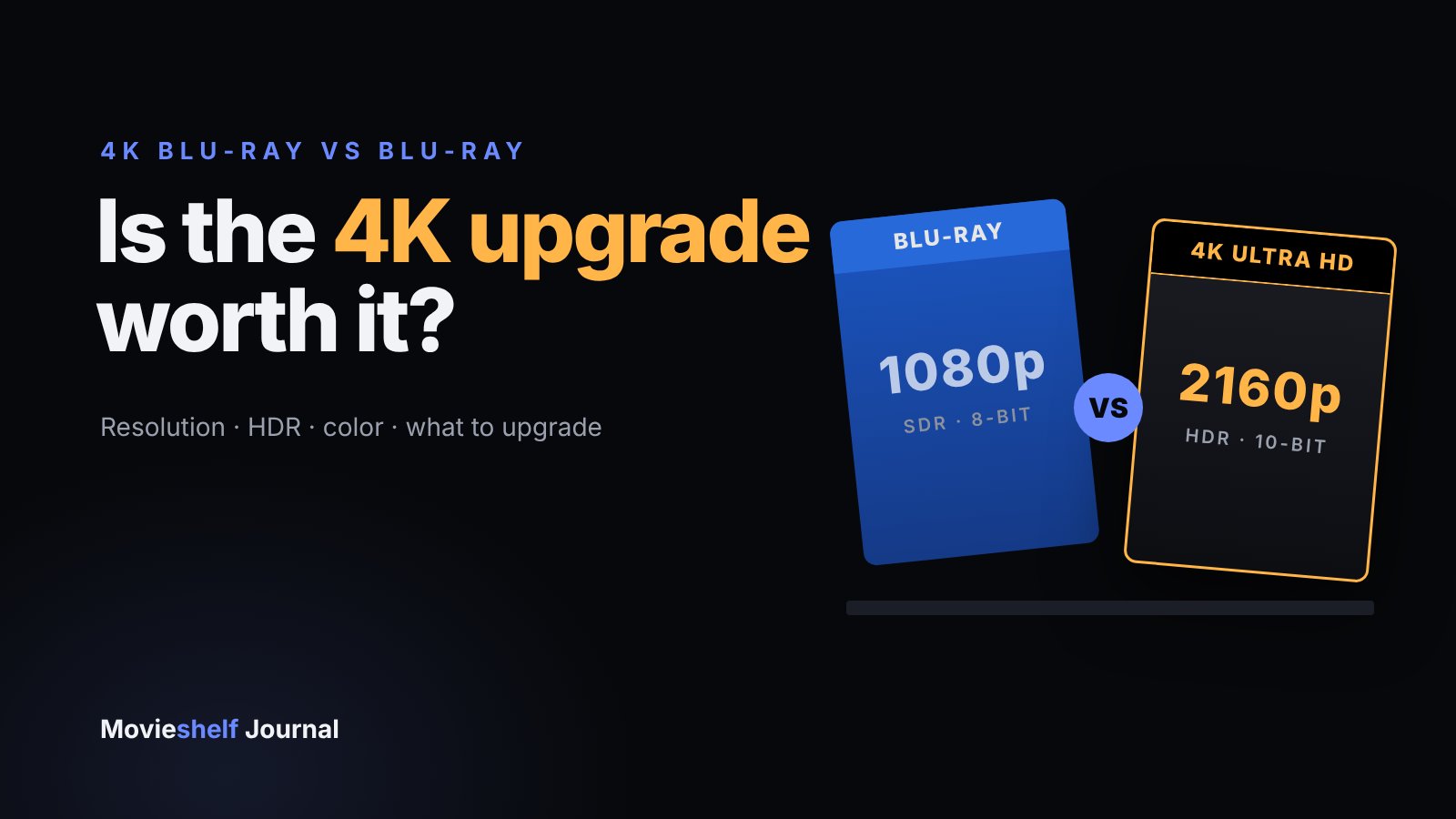
A 4K Blu-ray has four times the pixels, HDR and wider color, but you only see it with a 4K HDR TV and a UHD player. Here's what changes, what you need, and which films to upgrade first.
On this pageWhat is the difference between 4K Blu-ray and Blu-ray?
- What is the difference between 4K Blu-ray and Blu-ray?
- Which upgrades can you actually see?
- Is 4K Blu-ray worth it? It depends on your setup
- Which movies benefit most from 4K?
- When is the regular Blu-ray the better buy?
- How do you decide which discs to upgrade first?
- Does 4K Blu-ray look better than 4K streaming?
- Frequently asked questions
- Make your next upgrade a deliberate one
A 4K Blu-ray (Ultra HD Blu-ray) has four times the pixels of a regular Blu-ray, plus HDR, 10-bit color and up to 100 GB of storage. On a 4K HDR TV of about 55 inches or larger, the upgrade is clearly visible, especially in bright highlights and dark scenes. On a 1080p TV, a small screen or a standard Blu-ray player, you won't see the difference, so the regular Blu-ray is the better buy.
So the honest answer to "is it worth it?" is: it depends on your screen, your player and the film. This guide breaks down exactly what changes, what you need to see it, and how to decide which discs to upgrade first.
TL;DR
- Upgrade if you have a 4K HDR TV (55"+ or a projector), a UHD player, and you rewatch the film.
- Skip it on a 1080p TV, with a regular Blu-ray player, or for films you watch once.
- HDR matters more than resolution. The jump in highlights and color is what most people notice first.
- Upgrade first films shot on large-format film, recent effects-heavy blockbusters and anything you rewatch every year.
#What is the difference between 4K Blu-ray and Blu-ray?
Both are 12 cm optical discs, but 4K Ultra HD Blu-ray is a separate, newer format that launched in the US in February 2016. It uses denser disc layers, a more efficient video codec (HEVC) and a picture standard built for modern TVs. Here's how the specs compare, from the Ultra HD Blu-ray and Blu-ray format references:
| Blu-ray | 4K Ultra HD Blu-ray | |
|---|---|---|
| Resolution | 1920×1080 (1080p) | 3840×2160 (2160p) |
| HDR | None (SDR) | HDR10 standard; Dolby Vision and HDR10+ optional |
| Color depth | 8-bit | 10-bit (12-bit container with Dolby Vision) |
| Color gamut | Rec. 709 | Rec. 2020 |
| Video codec | Mostly AVC (H.264) | HEVC (H.265) |
| Disc capacity | 25 or 50 GB | 50, 66 or 100 GB |
| Max data rate | 54 Mbit/s | Up to 144 Mbit/s |
| Region coding | Regions A, B and C | No official region coding |
| Plays in | Any Blu-ray or UHD player | UHD players only |
The numbers look dramatic, but they don't all matter equally. Resolution gets the headlines; HDR and color do most of the visible work.
#Which upgrades can you actually see?
HDR highlights
High dynamic range lets sunlight, explosions, neon and reflections get far brighter than the rest of the frame without washing out. On a good HDR TV this is the "wow" moment.
Wider, deeper color
10-bit color and the Rec. 2020 gamut mean smoother skies and richer reds and greens, with less of the banding you can see in dark gradients on regular Blu-ray.
Fine detail
Four times the pixels shows up as texture: fabric, skin, film grain and distant signage. You need a big screen or a close seat to notice it.
Cleaner encodes
Bigger discs and higher bitrates leave more room for film grain and fast motion, so you get fewer compression artifacts in dark or busy scenes.
Audio is the one area that often doesn't change. Regular Blu-rays can carry lossless Dolby TrueHD, Dolby Atmos and DTS:X too, and many 4K releases reuse the same soundtrack. Occasionally a film gets a new Atmos mix only on the 4K edition, so check the audio specs on the back of the case.
Resolution sells the 4K disc, but HDR is what makes people stop and stare.
#Is 4K Blu-ray worth it? It depends on your setup
The disc is only one link in the chain. If any link is missing, the upgrade disappears.
- A 4K TV with real HDR (good brightness, local dimming or OLED)
- A screen of roughly 55 inches or more, or a projector
- A UHD Blu-ray player, a disc PS5 or an Xbox Series X
- Films you rewatch, or that were shot for spectacle
- A 1080p TV, or a 4K TV with weak HDR
- A small screen viewed from across the room
- A regular Blu-ray player you aren't replacing
- Comedies, TV-style dramas and films you'll watch once
A few setup details trip people up:
- Your player matters. A regular Blu-ray player can't read UHD discs at all. Game consoles play them, but if you want Dolby Vision from disc, a dedicated UHD player is the safer bet. The good news: every UHD player also plays your existing Blu-rays.
- Check the HDMI path. The TV input, any soundbar or receiver in between, and the cable all need to pass 4K HDR. Many TVs only enable full HDR on certain inputs or after you switch on an "enhanced" HDMI setting.
- Picture mode counts. Vivid or store modes can make HDR look worse. Use Filmmaker, Cinema or Movie mode.
#Which movies benefit most from 4K?
Not every 4K disc is a big step up. The biggest gains come from films with a high-resolution source and a strong HDR grade.
- 01
Large-format film classics
Films shot on 65mm, like Lawrence of Arabia and 2001: A Space Odyssey, hold far more detail than 1080p can show. New scans of the original negative can look stunning.
- 02
Modern spectacle
Recent blockbusters with big skies, night scenes and bright effects, such as Dune or Oppenheimer, are where HDR earns its keep.
- 03
Films you rewatch every year
Your comfort movies and holiday traditions get the most screen time, so the upgrade pays off over many viewings.
- 04
Dark, grainy films
Horror and noir with lots of shadow often suffer from banding and blocky compression on Blu-ray. Extra bitrate and 10-bit color help most here.
What about "fake 4K" discs?
Some 4K discs come from a 2K digital intermediate, often because the visual effects were finished at 2K. They are upscaled to 4K for the disc. As Sound & Vision points out, these can still look excellent because they gain HDR, wider color and a better encode; Guardians of the Galaxy Vol. 2 was reportedly sourced from 2K and still used as a demo disc. You can check a film's mastering format on its IMDb technical specs page before you buy.
#When is the regular Blu-ray the better buy?
There are plenty of good reasons to stay with 1080p, even if you own a 4K TV:
- Price. 4K editions usually cost more, and many Blu-rays drop in price quickly. For a film you'll watch once, the Blu-ray is better value.
- The disc you'd actually watch. Some collectors prefer a beloved older color grade. Remastered 4K releases sometimes change the look of a film, so check reviews if you care about the original grade.
- Extras. Special features are often only on the regular Blu-ray in a combo pack. Keep that disc if you sell or give away anything.
- Portability. Friends, family and older players can all play Blu-rays. UHD discs only work in UHD hardware.
#How do you decide which discs to upgrade first?
If you already own a few hundred Blu-rays, replacing them all is expensive and pointless. Treat upgrades as a short, deliberate list.
A simple way to do it:
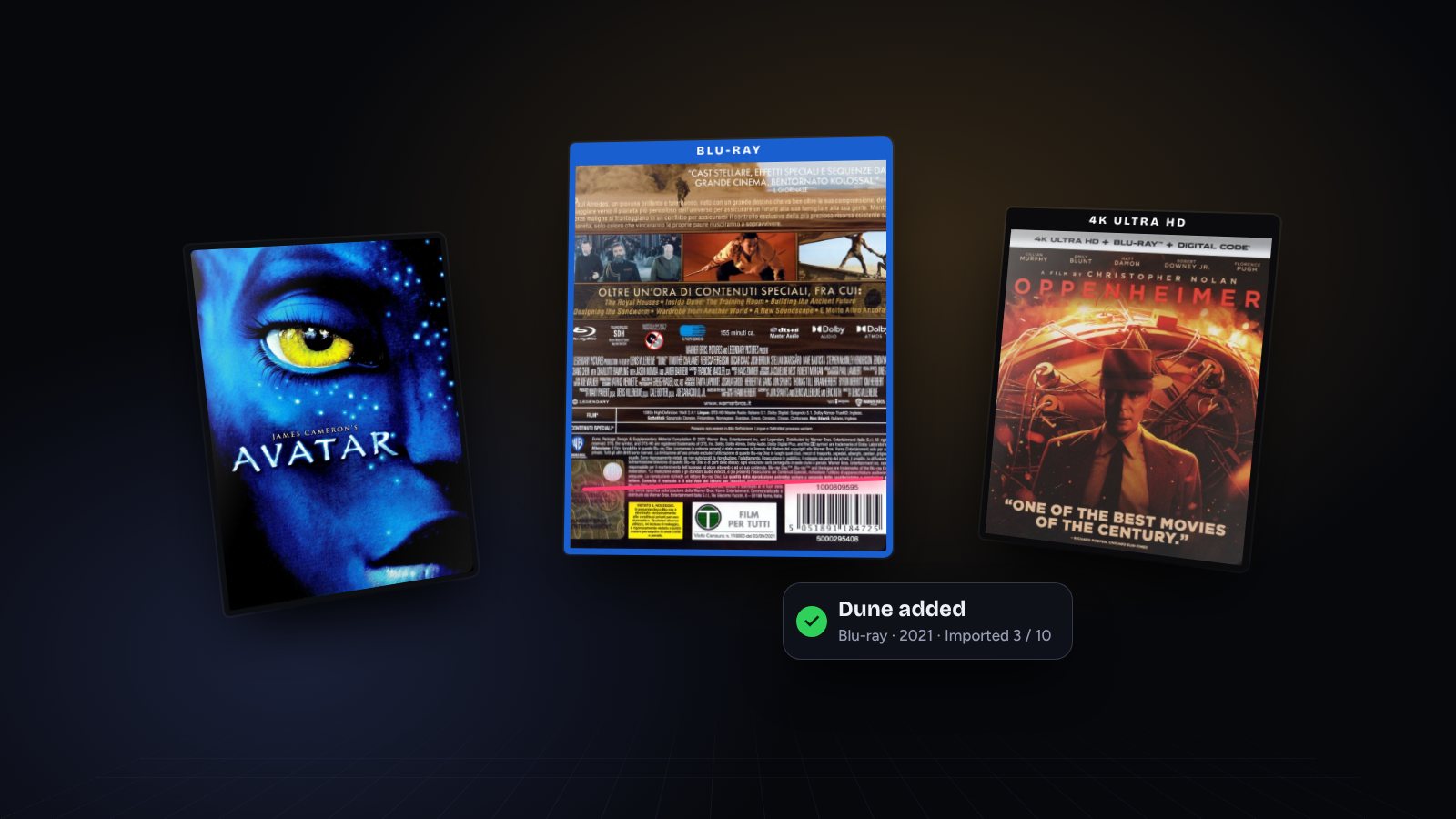
This is where a catalog helps. If you track the format of every disc, you can see at a glance which of your favorites are still on Blu-ray, and you won't accidentally buy a 4K edition you already own. In Movieshelf, each entry records its format (DVD, Blu-ray or 4K UHD) and edition, and a custom folder such as "Upgrade to 4K" keeps your shortlist in one place. See how to catalog your collection for the full setup.
 4K
4K 4K
4K BD
BD BD
BD BD
BD DVD
DVD DVD
DVD DVD
DVD DVD
DVD#Does 4K Blu-ray look better than 4K streaming?
Usually, yes. The same film can look noticeably different on a streaming service and on disc, because streaming compresses 4K much more heavily to fit home internet speeds. A UHD disc can deliver up to 144 Mbit/s, keeps lossless audio, and plays the same way every time with no buffering or drops in quality.
There's also ownership. Streaming libraries change, and films come and go. The disc on your shelf stays there, and so does the special edition packaging, whether it's a standard case or a steelbook.
#Frequently asked questions
Is 4K Blu-ray better than regular Blu-ray?
On paper, yes: four times the pixels, HDR, 10-bit color and up to 100 GB of space. In practice the gap is biggest on a 4K HDR TV of 55 inches or more, and on films with a true 4K or film-scan master.
Can a regular Blu-ray player play 4K Blu-rays?
No. 4K Ultra HD Blu-ray discs need a 4K UHD Blu-ray player or a console with a UHD drive, such as a disc-drive PS5 or an Xbox Series X. A UHD player plays your regular Blu-rays too, so you don't need two machines.
Is 4K Blu-ray worth it on a 1080p TV?
Not for the picture. A 1080p TV can't show the extra resolution or HDR, so buy the regular Blu-ray unless the 4K edition includes one in the box or you plan to upgrade your TV soon.
Is 4K Blu-ray better than 4K streaming?
Usually, yes. A UHD disc can deliver data at up to 144 Mbit/s and carry lossless audio, while streaming services compress 4K far more heavily. The disc also can't be removed from a catalog.
Are 4K Blu-rays region-free?
The Ultra HD Blu-ray format has no official region coding, so most discs play anywhere. A few releases reportedly check the player's region, and the regular Blu-ray included in the box may still be region-locked.
Do 4K Blu-rays come with a regular Blu-ray?
Many studio releases are sold as combo packs with the 4K disc, the regular Blu-ray and sometimes a digital code. Boutique and standalone 4K editions often don't, so check the back of the case before you buy.
#Make your next upgrade a deliberate one
The best 4K collection isn't the biggest one. It's the handful of films that look dramatically better and that you'll watch again and again. Start by knowing exactly which formats you already own, then upgrade one favorite at a time. You can scan your shelves in batches and track every edition in one place.
Keep reading
How to Catalog Your DVD and Blu-ray Collection (Step-by-Step Guide)
Scan barcodes in batches, record the edition you own, give every disc a shelf address and keep one source of truth. Here's the whole system, step by step.

What Is a Steelbook? A Collector's Guide to Metal Cases
A steelbook is a metal disc case with exclusive artwork, usually sold in limited runs. Here's what the terms mean, whether one is worth the extra money, and how to keep it dent-free.

31 Halloween Movie Night Ideas From Your Own Shelf
Skip the endless streaming scroll. Here are 31 themed Halloween movie nights, from kid-safe double features to Carpenter marathons, built from the discs on your shelf.