DVD Region Code 1 Explained: Regions 1–8, 0 and Region-Free
Region 1 is the DVD code for the US, Canada and Bermuda. Here's what every other region covers, what Region 0 and ALL mean, and why PAL can trip up an import even on a region-free player.
On this pageWhat are the DVD region codes and which countries use them?
- What are the DVD region codes and which countries use them?
- What does a Region 1 DVD mean for you?
- How do you check a DVD's region before you buy?
- Why won't a Region 2 DVD play in the US even on some region-free players?
- How do DVD regions compare to Blu-ray and 4K regions?
- Can you change the region on a DVD player?
- How should you track regions in your collection?
- Frequently asked questions
- Check the back of the case before you buy
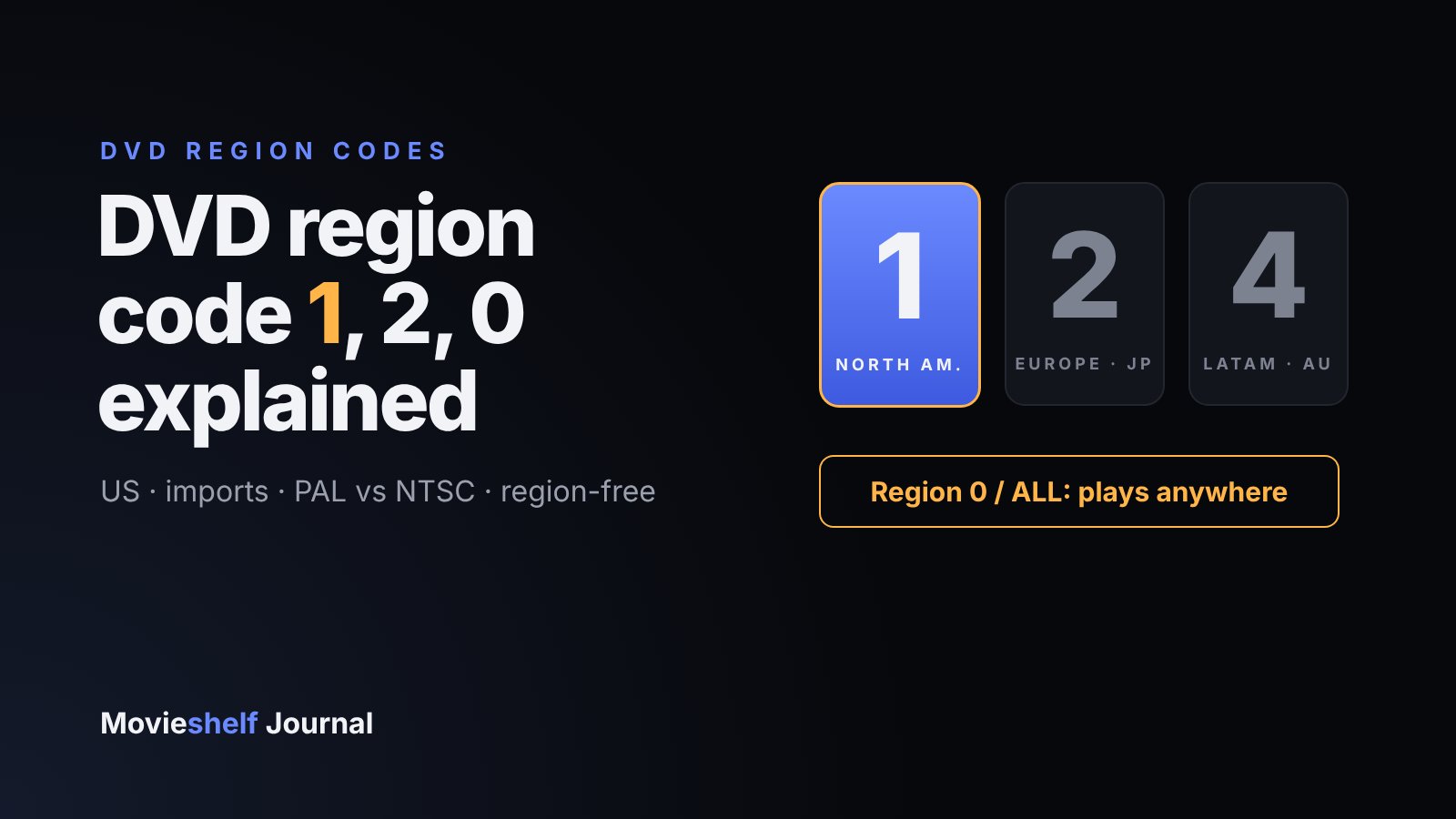
DVD region code 1 is the code for North America: the United States (including Puerto Rico), Canada and Bermuda. A Region 1 DVD plays on any Region 1 player and on region-free players, but a disc locked to another region, such as Region 2 for the UK, Europe and Japan, won't play on a standard US player. Discs marked Region 0 or ALL play everywhere.
There's a second catch that region guides often skip. Most discs from outside North America are also PAL, a different video system from the NTSC used in the US. So even a region-free import can fail on an American setup. This guide covers both, plus how to check a disc before you buy it.
TL;DR
- Region 1 = US, Canada, Bermuda. Region 2 = UK, most of Europe, Japan, the Middle East, Egypt and South Africa. Region 4 = Latin America, Australia and New Zealand.
- Region 0 / ALL discs aren't region locked and play on any player.
- A US player plays Region 1 and Region 0 discs only, unless it's sold as region-free.
- Region 2 and 4 discs are usually PAL. You need a player that converts to NTSC, or a TV that accepts 50Hz.
- DVD regions have nothing to do with Blu-ray regions. Track them separately.
#What are the DVD region codes and which countries use them?
Region coding arrived with DVD in 1997 so studios could release a film at different times, and through different distributors, in each market. The player enforces it: every DVD player has a region set in its firmware, and a locked disc checks that setting before it plays. Here's the full map, based on Wikipedia's DVD region code entry:
| Region | Who uses it | What collectors import from it |
|---|---|---|
| 0 / ALL | Not locked, plays worldwide | Many indie and public-domain releases |
| 1 | United States (including Puerto Rico), Canada, Bermuda | US releases, US Criterion DVDs |
| 2 | UK and most of Europe, Japan, the Middle East, Egypt, South Africa, Greenland | BFI, Arrow and Eureka DVDs, Japanese anime |
| 3 | Southeast Asia, South Korea, Taiwan, Hong Kong, Macau | Hong Kong action and Korean films |
| 4 | Mexico, Central and South America, the Caribbean, Australia, New Zealand, most of Oceania | Australian releases |
| 5 | Russia, Ukraine, Belarus, most of Africa, Central and South Asia (including India), Mongolia, North Korea | Indian and Russian releases |
| 6 | Mainland China | Chinese releases |
| 7 | Reserved, used for some promotional and pre-release copies | Rarely seen by collectors |
| 8 | International venues such as airplanes and cruise ships | Almost never sold |
Two entries surprise people. Japan is Region 2 on DVD, the same as the UK, which is why a Japanese DVD won't play on a US player. And Mexico is Region 4, not Region 1, even though it sits in the same Blu-ray region as the US.
#What does a Region 1 DVD mean for you?
If you live in the US or Canada, a Region 1 DVD is the "normal" disc. It plays on every DVD player, Blu-ray player and 4K Blu-ray player sold locally, and it's in NTSC, so it works on any American TV.
It matters when you travel or move. A Region 1 disc won't play on a standard player sold in the UK, Europe, Australia or Japan. If you're relocating with a big collection, or sending discs to family abroad, check their player first.
Region 1 + US player
Plays. This is the standard case for anything bought in the US or Canada.
Region 0 / ALL + US player
Plays, as long as the disc is NTSC. Many region-free discs from outside North America are PAL.
Region 2 or 4 + US player
Region error. Your player will show a message such as "Wrong region" and refuse the disc.
Any region + region-free player
Plays, provided the player converts PAL to NTSC or your TV accepts a 50Hz signal.
#How do you check a DVD's region before you buy?
It takes ten seconds and saves a return.
- 01
Find the region badge on the back of the case
It's a small globe icon with a number inside, usually near the runtime and audio details. A globe with several numbers, or the word ALL, means the disc plays in each of them.
- 02
Look for PAL or NTSC
It's usually printed in the same technical block. US discs are NTSC. UK, European and Australian discs are almost always PAL.
- 03
Read the listing, not just the photo
Retailers and labels normally state the region in the product details. The BFI shop, for example, notes that its DVDs are made for Region 2 players.
- 04
Check what your player is set to
A standalone player sold in the US is Region 1. A player that can play other regions will say "region-free" or "multi-region" in its specs.
#Why won't a Region 2 DVD play in the US even on some region-free players?
Because region is only half the problem. The other half is the video system:
- Used in the US, Canada, Mexico, Japan and South Korea
- 480 lines of resolution
- Roughly 60 fields per second (60Hz)
- Plays on every US TV
- Used in the UK, most of Europe, Australia, India and China
- 576 lines of resolution
- 50 fields per second (50Hz)
- Older US TVs show a scrambled or black-and-white picture
A region-free player removes the region check, but it still has to send a picture your TV can display. Older American TVs couldn't show a PAL signal at all, which is why collectors used to buy players with built-in PAL-to-NTSC conversion. Many modern flat-screen TVs will display a 50Hz signal over HDMI, but not every US model does, so check your TV's specs or test with one disc before buying a stack.
Blu-ray players handle this better than old DVD players. Blu-ray players are backwards compatible with both PAL and NTSC DVDs, though for DVD playback they're still locked to the DVD region of the country they were sold in.
#How do DVD regions compare to Blu-ray and 4K regions?
Each disc format has its own system, and they don't line up.
| DVD | Blu-ray | 4K UHD Blu-ray | |
|---|---|---|---|
| US code | Region 1 | Region A | None |
| UK and Europe | Region 2 | Region B | None |
| Japan | Region 2 | Region A | None |
| Mexico and Latin America | Region 4 | Region A | None |
| Video system matters? | Yes, PAL vs NTSC | Rarely | No |
So a single box can be confusing. A UK 4K combo pack is region-free on the 4K disc, but the Blu-ray inside may be locked to Region B, and an included DVD would be Region 2 and PAL. Our guide to Blu-ray Regions A, B and C covers the Blu-ray side in detail, and the 4K Blu-ray player guide explains why a 4K player still plays DVDs by region.
Region coding belongs to the edition, not the film. Two copies of the same movie can play in completely different places.
#Can you change the region on a DVD player?
It depends on the device:
- Standalone US players: Sony, for one, says there's no way to override the region code on its players sold in the US. Treat a standard player as permanently Region 1.
- Computer DVD drives: most let you change the region up to five times. After the fifth change, the last region becomes permanent.
- Region-free players: sold as "multi-region" or "region-free", these ignore the region check. Look for PAL-to-NTSC conversion in the specs if you plan to watch European or Australian discs on a US TV.
If you buy imports regularly, a dedicated region-free player is the least fiddly option. It's also worth keeping a short list of which discs actually need it, so you know before movie night.
#How should you track regions in your collection?
Once you own even a handful of imports, you'll want to know which discs play where, especially if you lend discs out, travel or keep a second player in another room. Record it per edition, the same way you'd record the format:

The free plan includes three custom fields, which is enough for region, video system and player. If you're cataloging hundreds of imports, Movieshelf Pro unlocks unlimited custom fields. For a full setup walkthrough, see how to catalog a DVD and Blu-ray collection.
#Frequently asked questions
What does region code 1 mean on a DVD?
Region 1 means the disc was made for the North American market: the United States (including Puerto Rico), Canada and Bermuda. It plays on Region 1 players and on region-free players, but not on players locked to another region.
What is the DVD region code for the US?
The US is DVD Region 1, shared with Canada and Bermuda. Mexico and the rest of Latin America are Region 4, even though they share Blu-ray Region A with the US.
Can I play a Region 2 DVD in the US?
Not on a standard US DVD or Blu-ray player, which is locked to Region 1. You need a region-free or multi-region player, and because most Region 2 discs are also PAL, the player should convert PAL to NTSC or your TV must accept a 50Hz signal.
What is a Region 0 DVD?
Region 0, also printed as ALL or with a globe and every number, means the disc isn't locked to any region. It plays on any DVD player in the world, as long as the player and TV can handle its video system (PAL or NTSC).
Is DVD Region 1 the same as Blu-ray Region A?
No. They're separate systems. DVD has numbered regions 1 to 8 and Blu-ray has lettered regions A, B and C. The US is Region 1 on DVD and Region A on Blu-ray, while Japan is Region 2 on DVD but Region A on Blu-ray.
Can I change the region on my DVD player?
Most standalone players sold in the US can't be switched. Computer DVD drives let you change the region up to five times, after which the last setting becomes permanent. For regular import viewing, a region-free player is the simpler answer.
#Check the back of the case before you buy
Region codes sound complicated, but for a US collector they boil down to one habit: look for the globe badge and the word PAL before you buy an import. If it says 1, 0 or ALL and NTSC, it plays. Anything else needs a region-free player, and is worth noting in your catalog the day it arrives.
Keep reading
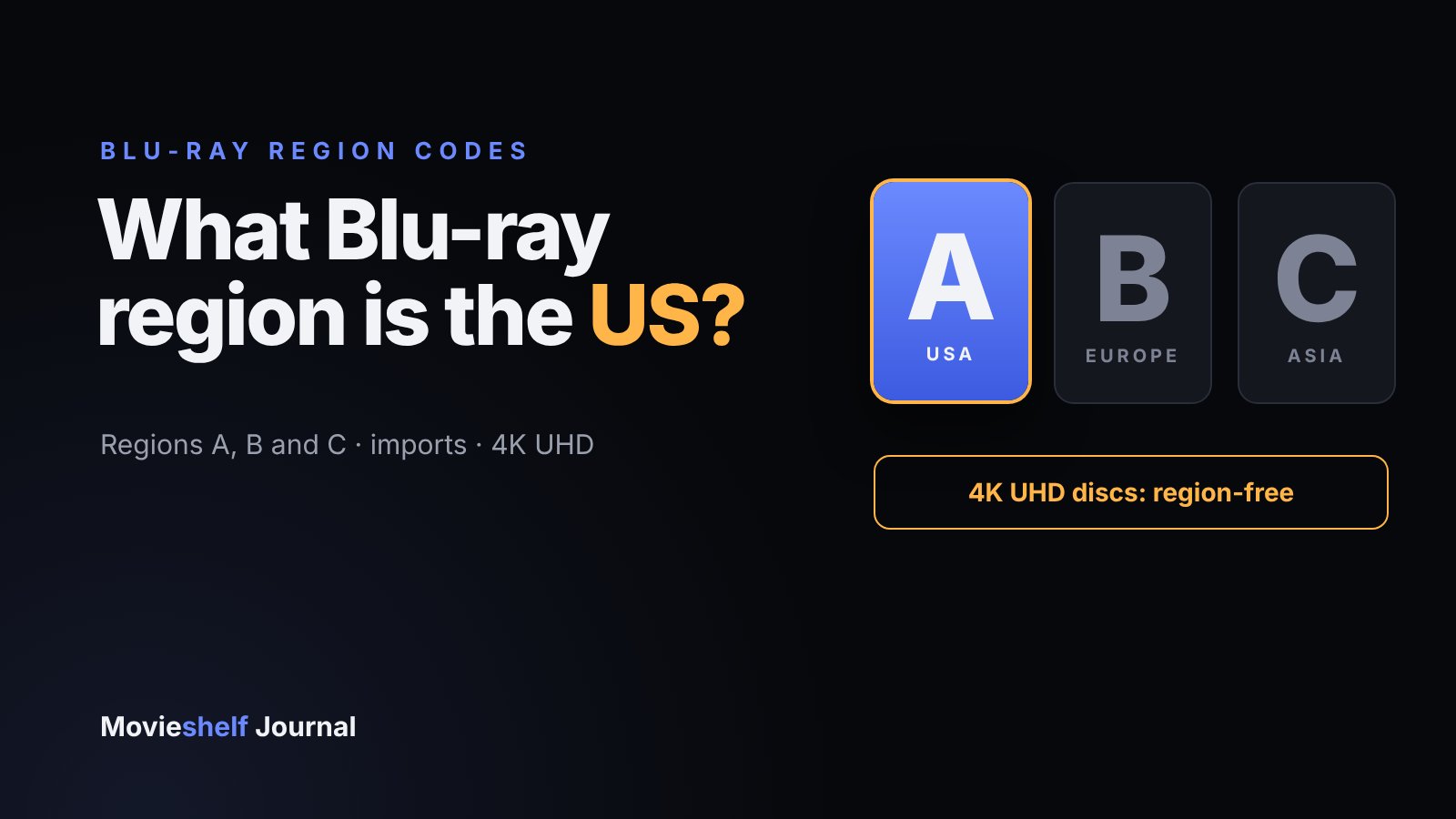
What Blu-ray Region Is the US? Regions A, B and C Explained
The United States is Blu-ray Region A, shared with the rest of the Americas, Japan, South Korea and Taiwan. Here's what Regions B and C cover, how to check a disc, and when region coding doesn't matter.
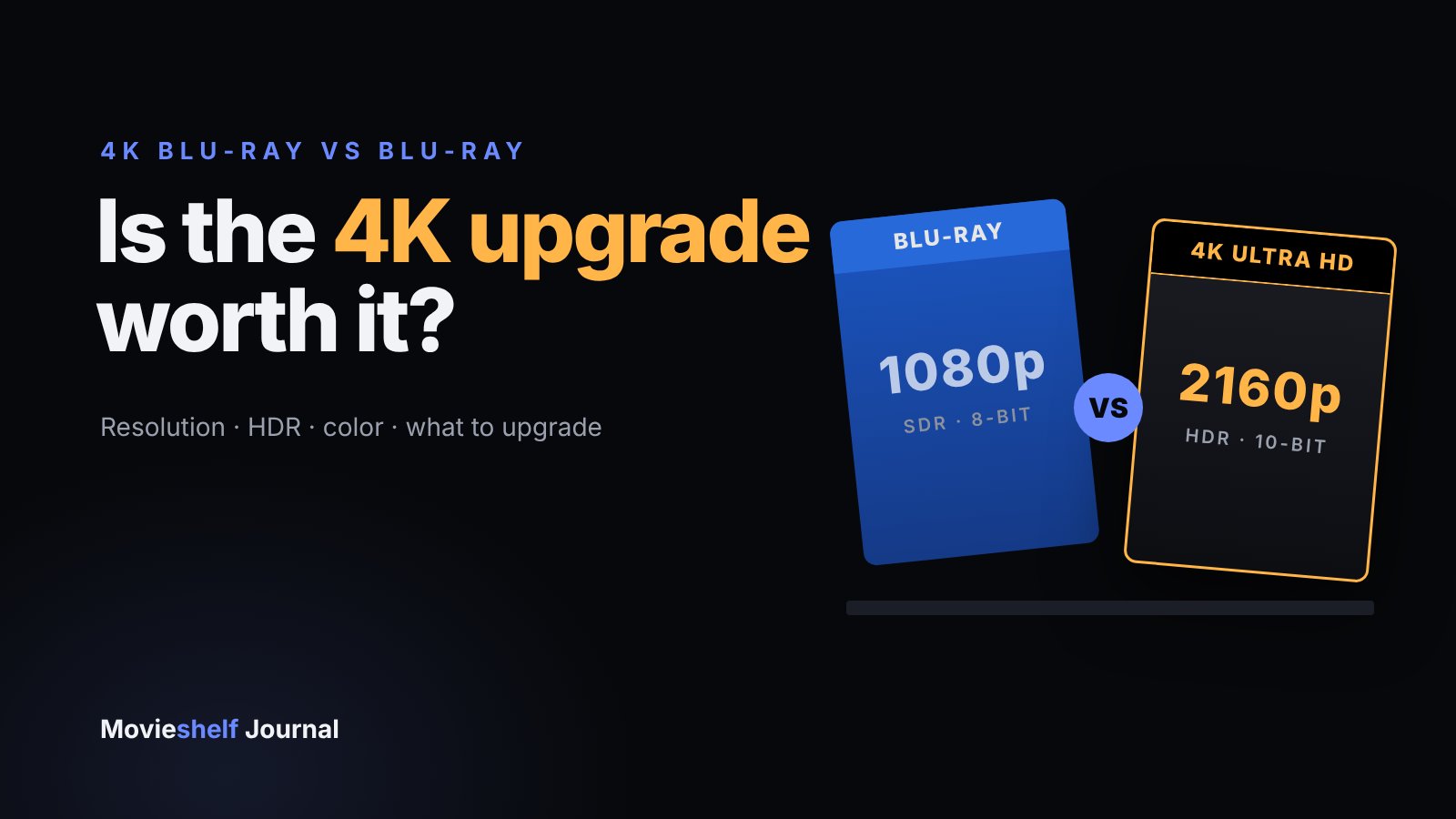
4K Blu-ray vs Blu-ray: Is the Upgrade Worth It?
A 4K Blu-ray has four times the pixels, HDR and wider color, but you only see it with a 4K HDR TV and a UHD player. Here's what changes, what you need, and which films to upgrade first.
UHD 4K Blu-ray Players in 2026: What You Actually Need
Sony has stopped making its last standalone 4K player, so the choice is now mostly Panasonic, a game console or a high-end universal player. Here's which features matter and which player fits your setup.