How to Organize a DVD Collection: 9 Systems Compared
Alphabetical, format-first, genre, director, label, franchise and more: nine ways to shelve DVDs, what each one costs you in upkeep, and the hybrid that holds up as a collection grows.
On this pageWhat are the main ways to organize a DVD collection?
- What are the main ways to organize a DVD collection?
- Which system should you choose?
- How do you alphabetize movies correctly?
- How much shelf space does a DVD collection need?
- How do you reorganize a whole collection in one weekend?
- How do you keep a DVD collection organized?
- Frequently asked questions
- Pick your rule, then start with one shelf
The best way to organize a DVD collection is to pick one primary rule that leaves no doubt where a new disc goes, and for most collectors that rule is format first, then alphabetical by title. Genre, director, label and franchise shelves all work too, but each one adds decisions every time you buy a disc. Below are nine systems compared side by side, so you can choose the one you'll still be keeping up a year from now.
TL;DR
- Easiest to maintain: alphabetical, ignoring "The" and "A".
- Best default for mixed collections: format first (4K, Blu-ray, DVD), then A to Z.
- Best for browsing: genre, but keep it to a handful of broad sections.
- Box sets and TV get their own shelf.
- Whatever you pick, record where each disc lives so search can find it, not your memory.
#What are the main ways to organize a DVD collection?
Collectors on r/dvdcollection and r/PhysicalMedia mostly use some mix of the nine systems below. The real difference between them is upkeep: how much thinking a new disc requires before it goes on the shelf.
| # | System | Example | Upkeep | Best for |
|---|---|---|---|---|
| 1 | Alphabetical | Alien next to Amélie | Very low | Anyone, any size |
| 2 | Format, then A to Z | All 4K, then all Blu-ray, then DVD | Very low | Mixed-format shelves |
| 3 | Genre | Horror, comedy, sci-fi blocks | High | Browsing by mood |
| 4 | Director | Kubrick, Nolan, Bong Joon-ho | Medium | Film buffs |
| 5 | Franchise in story order | Star Wars I to IX | Medium | Series collectors |
| 6 | Label and spine number | Criterion #1 onward | Low | Boutique collectors |
| 7 | Release year or decade | 1970s, 1980s shelves | Medium | Film history fans |
| 8 | Spine color | Rainbow display wall | Very high | Display shelves |
| 9 | Watched vs. unwatched | A "to watch" shelf | Medium | Big backlogs |
Here is what each one is really like to live with.
1. Alphabetical by title
One correct spot for every disc, and anyone in the house can find things. The only rules you need: ignore leading articles (The Godfather under G), file numbers as if spelled out or all at the front, and pick one way to handle sequels. The downside is that alphabetical shelves shift every time you add something, so leave a little slack on each shelf.
2. Format first, then alphabetical
This is alphabetical with one extra split: separate runs for 4K UHD, Blu-ray and DVD. Because a standard DVD case is about 19 mm taller than a Blu-ray case, grouping by format gives you level rows instead of a jagged skyline. It's the system most collectors settle on once they own more than one format.
3. Genre
Lovely for picking something to watch, frustrating for shelving. Is Shaun of the Dead comedy or horror? Is Alien sci-fi or horror? Every new disc becomes a small debate. If you love genre shelves, keep the list short (five to eight broad genres) and alphabetize inside each one.
4. Director
Popular with cinephiles because it puts a filmmaker's body of work side by side. It gets messy with co-directed films and with directors you only own one film by. Many people put an "auteur shelf" for their favorites and keep everything else alphabetical.
5. Franchise in story order
Harry Potter in book order, the MCU in release order, Alien before Aliens. This overrides alphabetical for series only, which keeps a franchise readable as a set. Decide early whether spin-offs and prequels go with the series or in the main run.
6. Label and spine number
Criterion, Arrow and other boutique lines print spine numbers, so the order is already decided for you. This only works for numbered releases, so it's almost always a dedicated section rather than a whole-collection system. Some collectors split out boutique releases once they pass about ten titles.
7. Release year or decade
Great for anyone who enjoys watching film history unfold across a wall, and for decade-themed movie nights. The catch is that you have to look up years for older or obscure titles, and remasters muddy the question of which year counts.
8. Spine color
It photographs beautifully and is almost impossible to search. Use it for a display shelf of favorites, not for the whole collection.
9. Watched vs. unwatched (or favorites first)
Some collectors keep a "to watch" shelf for blind buys and sale hauls, then move each disc into the main system once it has been seen. It's a useful backlog tool layered on top of another system rather than a system on its own.
- Alphabetical
- Format, then A to Z
- Label and spine number
- Genre
- Director or decade
- Spine color
#Which system should you choose?
Answer three questions and the choice usually makes itself.
Do you own more than one format?
If yes, split by format first. Mixed case heights are the number one reason shelves look messy.
Do other people use the shelves?
If a partner or kids need to find things, stick to alphabetical. Genre logic lives in one person's head.
Do you buy boutique releases?
Give Criterion, Arrow and similar labels their own section in spine order, then keep everything else A to Z.
Do you have a big backlog?
Add a small "to watch" shelf at eye level so blind buys don't vanish into the main run.
The best shelving system is the one that tells you where a new disc goes without thinking.
For most collections, the hybrid that holds up looks like this: 4K, then Blu-ray, then DVD, each alphabetical, with box sets and TV on the bottom shelf and one or two special sections (a label run, a franchise, a horror block) on top.
#How do you alphabetize movies correctly?
Alphabetical sounds simple until you hit 2001: A Space Odyssey or The Lord of the Rings. Set these rules once and write them down.
#How much shelf space does a DVD collection need?
Case thickness is what fills shelves. Using the standard case sizes, a 15 mm DVD case fits about 20 to a foot of shelf, and a Blu-ray or 4K case, at roughly 13 mm, fits about 23. Slim cases and multi-disc cases vary, so measure a few of your own.
That means a 500-DVD collection needs roughly 25 feet of shelf, before slack. Always store discs upright like books rather than stacked flat. It's what the NIST guide to caring for CDs and DVDs recommends, and it means you can actually read the spines.
#How do you reorganize a whole collection in one weekend?
Reorganizing goes fastest when you split the job into passes instead of moving one disc at a time.
- 01
Pull everything into format piles
Clear one shelf at a time and stack by 4K, Blu-ray, DVD and box sets. This alone shows you how much space each section needs.
- 02
Pull out the special sections
Labels in spine order, franchises, TV series, the "to watch" pile. Set them aside first so the main run is simpler.
- 03
Sort each pile into rough letter groups
A–E, F–L, M–R, S–Z on the floor or a table, then fine-sort each group. It's much faster than sorting one long row.
- 04
Shelve with slack and label the shelves
Leave space at the end of each shelf and stick small letters or numbers on the shelf edges, like A, B, C.
- 05
Record where everything lives
As each shelf fills, note its location in your catalog: Living room · Shelf B. This is what keeps the system useful later.
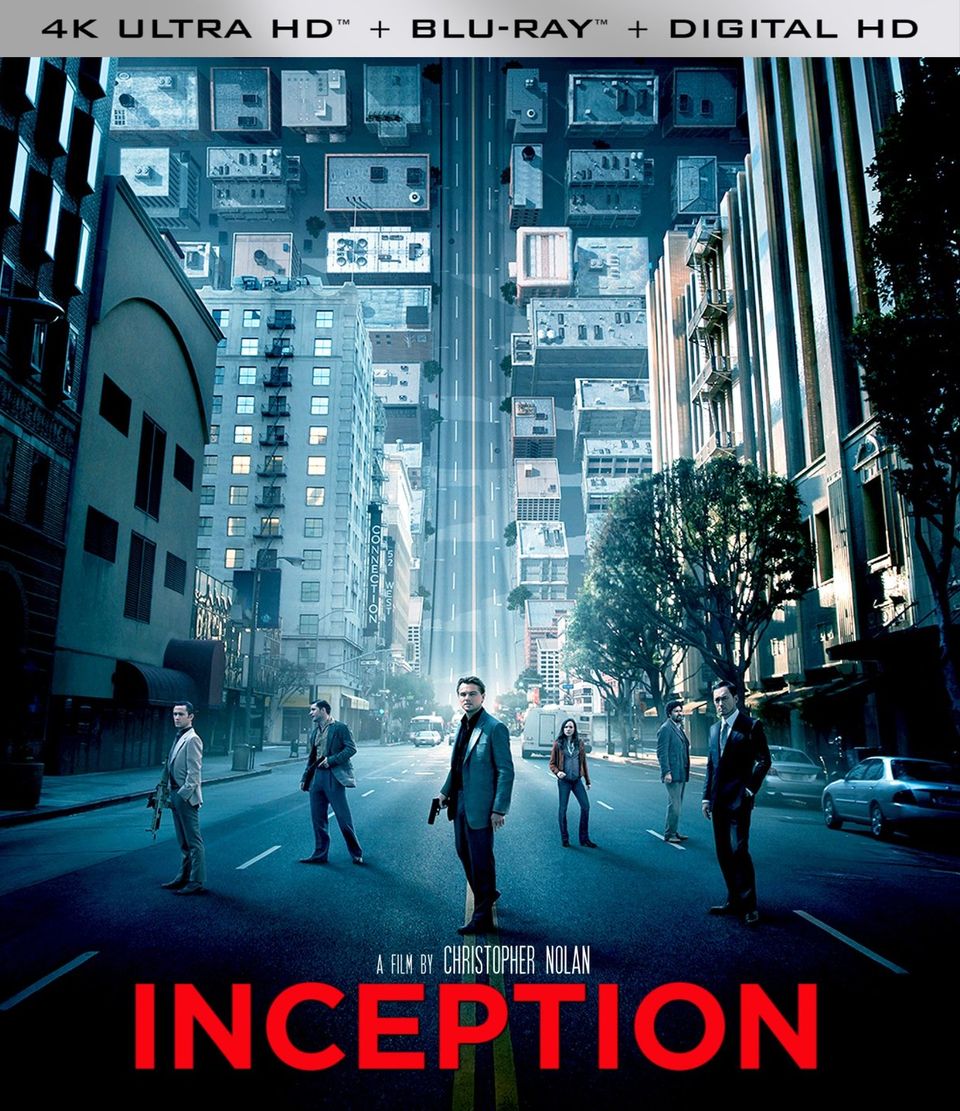 4K
4K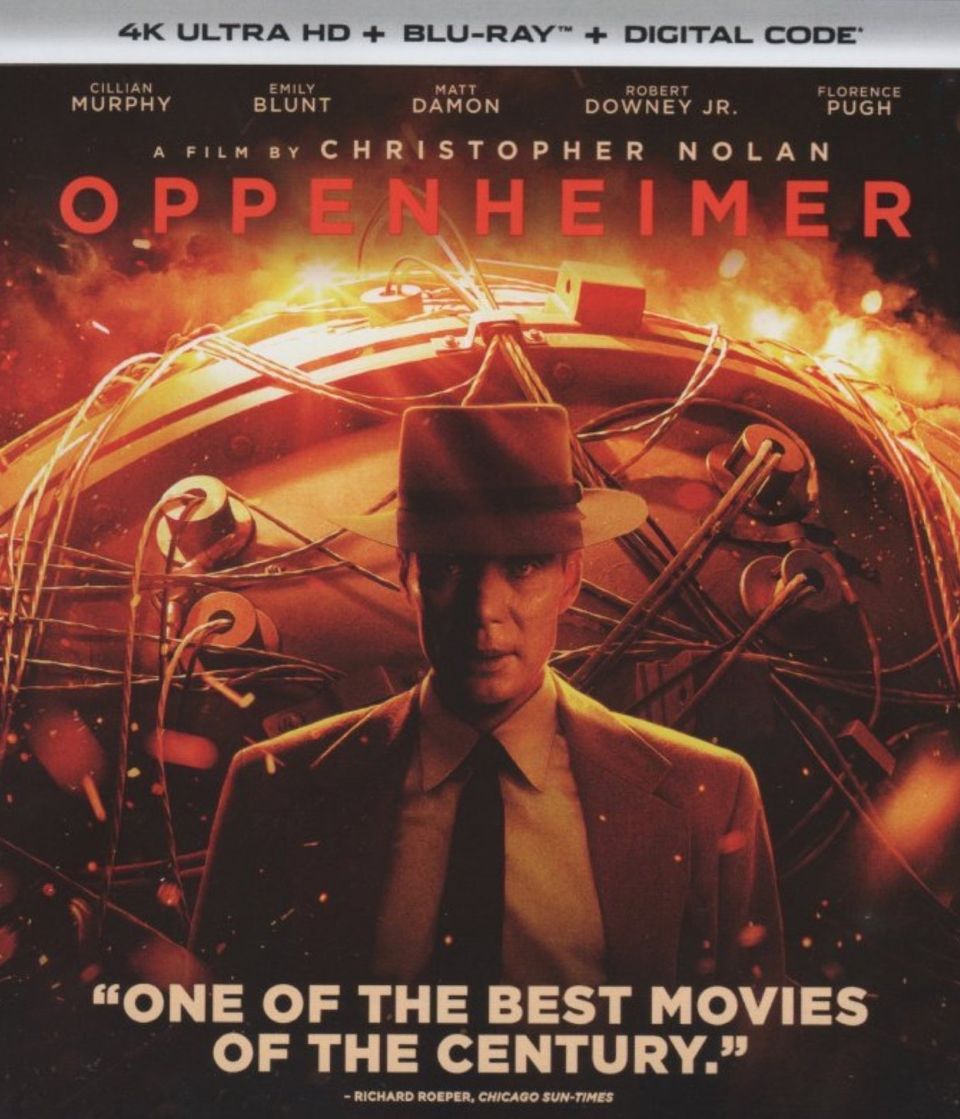 4K
4K BD
BD BD
BD BD
BD DVD
DVD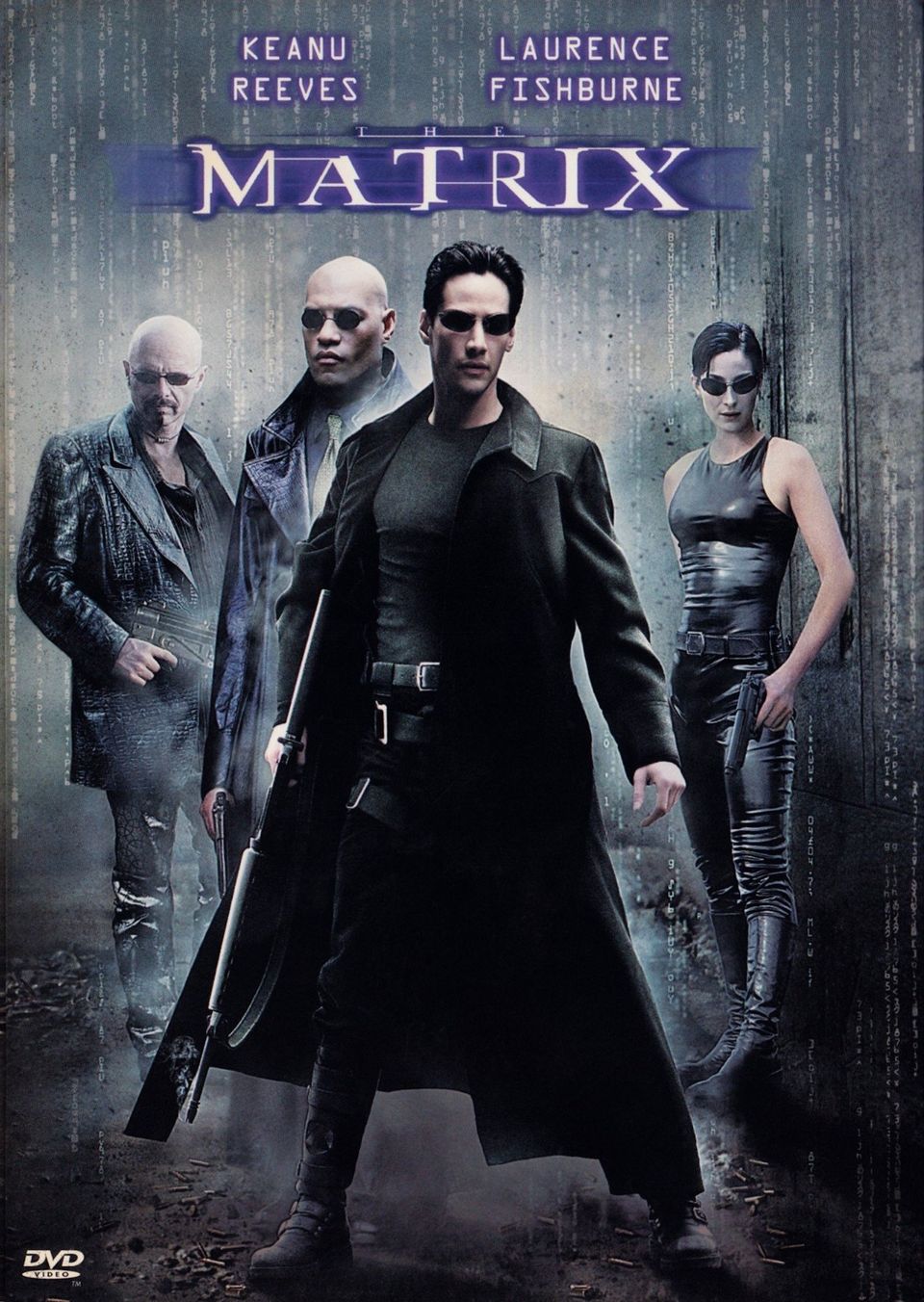 DVD
DVD DVD
DVD DVD
DVD#How do you keep a DVD collection organized?
The shelf order matters less than the habit of keeping it. Three things stop a tidy collection from drifting back into chaos:
- Shelve new discs the day they arrive. A "put away later" stack is how collections fall apart.
- Scan before shelving. Adding each new disc to your catalog, with its format, edition and shelf, takes seconds with a barcode. See our guide on how to catalog a DVD and Blu-ray collection for the full workflow.
- Audit one shelf every few months. Walk it, compare it against your catalog, and fix what's out of place.
If your shelves hold imports, it's worth noting the region on each one too; our explainer on Blu-ray region codes covers why. And if you're deciding which films deserve a 4K slot, read 4K Blu-ray vs Blu-ray.
Related: How to Catalog Your DVD and Blu-ray Collection (Step-by-Step Guide)
#Frequently asked questions
What is the best way to organize a DVD collection?
For most people, it is format first, then alphabetical by title. Every new disc has exactly one correct spot, anyone in the house can find things, and DVD, Blu-ray and 4K cases end up grouped by height, which looks neater.
Should I organize DVDs alphabetically or by genre?
Alphabetical is easier to maintain because it never needs a judgment call. Genre is nicer for browsing by mood, but films that straddle genres slow you down every time you shelve. A common compromise is alphabetical for the main shelves plus one or two small genre sections, such as horror or animation.
Do you ignore The and A when alphabetizing movies?
Most collectors and libraries do, so The Dark Knight files under D and A Quiet Place under Q. Whatever you choose, apply it everywhere, because inconsistency is the main reason alphabetical shelves get messy.
Where should box sets and TV series go?
Give them their own shelf, usually the bottom one, since box sets are heavier and oddly sized. TV seasons stay together in order at the end of the alphabetical section or in a dedicated TV block.
Should DVDs be stored vertically or stacked flat?
Vertically, like books. Care guides for optical discs, including the NIST guide for librarians and archivists, recommend storing discs upright in their cases rather than stacking them, which also lets you read every spine.
How do I organize DVDs without a shelf?
Binders or storage boxes with disc sleeves save the most space, but you lose the spines and usually the cases. If you go that route, keep a catalog with a box or page number for every disc so you can still find things.
#Pick your rule, then start with one shelf
You don't have to reorganize everything tonight. Choose your rule, write it down, and redo the shelf you use most. Once that shelf works, the rest of the collection follows, and with each disc's location in your catalog you'll never have to hunt for a case again. You can scan your discs as you go.
Keep reading
4K Blu-ray vs Blu-ray: Is the Upgrade Worth It?
A 4K Blu-ray has four times the pixels, HDR and wider color, but you only see it with a 4K HDR TV and a UHD player. Here's what changes, what you need, and which films to upgrade first.
How to Catalog Your DVD and Blu-ray Collection (Step-by-Step Guide)
Scan barcodes in batches, record the edition you own, give every disc a shelf address and keep one source of truth. Here's the whole system, step by step.

What Blu-ray Region Is the US? Regions A, B and C Explained
The United States is Blu-ray Region A, shared with the rest of the Americas, Japan, South Korea and Taiwan. Here's what Regions B and C cover, how to check a disc, and when region coding doesn't matter.